Talking to the worklist
Watch a radiologist work for ten minutes and count the clicks that have nothing to do with the image.
Open the worklist. Filter it. Pick a study. Wait. Find the prior. Drag it into the second viewport. Change the layout. Open the report template. Dictate. Fix a word. Sign. Go back to the worklist. Filter again, because the filter reset.
None of that is diagnosis. All of it is the software asking the radiologist for attention. Multiply it by every study in a shift and it adds up to a real part of the day.
When we launched SOMATIQ in January, I wrote that the radiologist, caught between disconnected systems, spends more time navigating software than reading scans. Voice control is one of the ways we are trying to change that. So, let's go over what we built, why voice suits the worklist in particular, where it helps and where it does not, and what to check if you are evaluating it.
What we showed at IRIA 2026
At IRIA 2026 in Hyderabad we showed what we called an agentic RIS + PACS approach: radiologists can talk to their worklist, navigate cases hands-free, and reduce repetitive clicks.
It sparked strong interest and thoughtful debate. That was the right reaction (we collected more of what radiologists told us in What radiologists told us at IRIA 2026). Voice in a reporting room is not a new idea, and radiologists have good reasons to be sceptical of anything that promises to save them time. So this post explains why we built it, where we think it helps, and where it does not.
Voice is already in the reporting room
Radiology accepted voice a long time ago, for reports. Many radiologists dictate rather than type, because their eyes need to stay on the images while the findings are being described. Our platform is built around that: dictate, review, sign off. Speech-to-text is built into reporting in the browser, not a separate application, and radiologists who prefer to work with a transcriptionist can co-report live with one.
Once a radiologist is already speaking to the system for the report, it is a small step to let them speak to it for everything around the report too. Moving to the next case. Bringing up a prior. Changing what the worklist shows. These are instructions the radiologist already has in their head. Today they turn them into a series of clicks.
The worklist is where this matters most, because a worklist is not really a list. It is a running set of decisions: what to read next, what is urgent, what is waiting on a prior, what belongs to someone else. Clicking works well when the decision is "this one". It works badly when the decision is a combination: this modality, from that centre, not yet reported, oldest first. Each part is a dropdown or a filter, and each filter is a chance to make a mistake or lose your place. A spoken request carries the whole intent in one sentence. That is what we mean by talking to the worklist. The system takes the intent and does the clicks.
The word "agentic" gets used loosely these days, so to be specific: we mean the system can take a request and carry out the steps behind it in the software, while the radiologist stays in control of what is read and what is signed. It does not mean the system reads the scan.
Dr. Vishwanath put the principle well in April, in AI is with the radiologist: the radiologist stays the author.
Where it helps, and where it does not
At RSNA last year I came away with one lesson: in mission-critical industries dominated by legacy software, the best AI is often the one that demands the least behavioural change from the user (I wrote about it in What RSNA 2025 taught me). We have tried to hold voice control to that standard.
So we do not think of voice as a replacement for the mouse. Scrolling through a stack, adjusting the window, measuring a lesion: hands are better for that, and should stay on the mouse. Voice is for the things around the image. Navigation, worklist decisions, moving between steps, and the report.
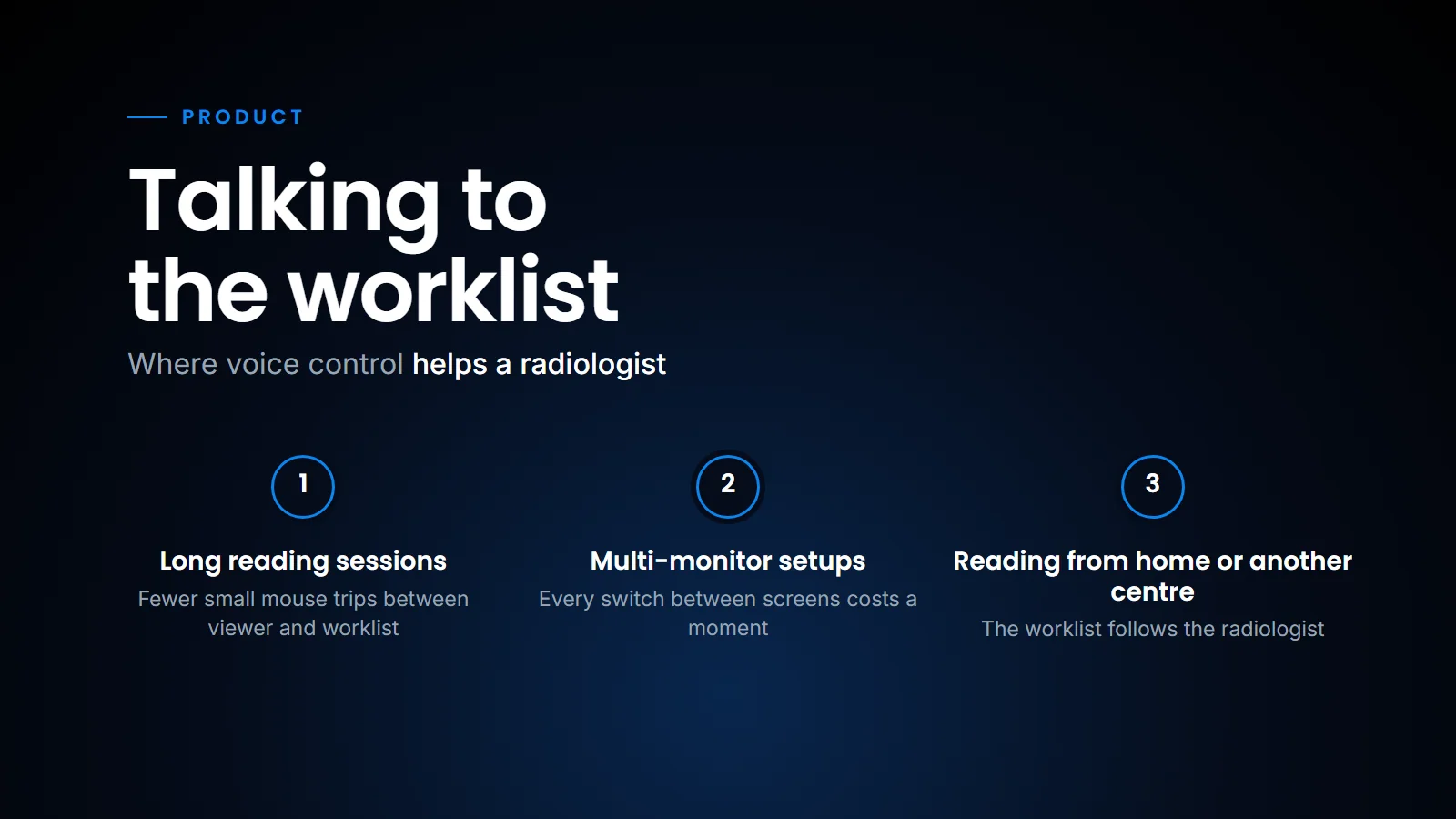
Some places where hands-free matters more than people expect:
- Long reading sessions. Fewer small mouse trips between the viewer and the worklist mean less wear across a long shift.
- Multi-monitor setups. The worklist is on one screen, the images on another, the report on a third. Every switch costs a moment of re-orientation.
- Reading from home or another centre. A radiologist covering several centres needs to move between them quickly. Our worklist follows the radiologist, so the same voice requests work wherever they log in.
The Indian reporting room is not a quiet room
Anyone building voice tools for India has to deal with a few realities.
Accents and mixed language. Radiologists here speak English with many different accents, and slip in words from other languages without thinking. Recognition has to cope with that, and with medical vocabulary that general speech models were never trained on.
Noise. Reporting rooms in busy centres are often shared. Two or three radiologists dictating at once, a phone ringing, someone asking about a pending case. A good headset microphone makes a large difference here.
Interruptions. A radiologist may stop mid-sentence to take a call from a referring doctor. The system has to tell the difference between an instruction and a conversation.
We do not claim to have solved all of these perfectly. They are the conditions we test against, because they are the conditions our users work in.
What to look for in any voice-controlled RIS-PACS
If you are evaluating voice control, from us or anyone else, here is what I would check.
- Try it in your own reporting room, at a busy hour, with your own radiologists. A demo in a quiet meeting room tells you very little.
- Watch what happens when it mishears. Errors will happen. What matters is whether they are obvious and easy to undo.
- Check that sign-off stays deliberate. Navigation can be quick and forgiving. Signing a report should never happen by accident.
- Count the clicks. Pick ten typical studies and count clicks per study with and without voice. It is the simplest honest measure.
- Ask where the audio goes. Where is speech processed, is it stored, and for how long? Under India's DPDP Act, voice linked to a patient's study is worth understanding properly; the Act is published by MeitY, and you should talk to your counsel about what it means for your centre.
Voice control will not make a slow PACS fast. If studies take a long time to open, fix that first. But on a platform that is already quick, and that already holds the whole cycle from registration, scheduling and billing to reporting and report delivery, removing the small repetitive actions around each study gives radiologists back attention for the part of the job only they can do. That is the whole idea. Fewer clicks, so the time goes to the image and the patient.
Related reading
- The worklist doesn't care — why time at the worklist is time away from the patient.
- AI is with the radiologist — the radiologist stays the author.
- What radiologists told us at IRIA 2026 — the conversations behind this feature.
FAQ
What is a voice-controlled RIS-PACS?
It is a radiology information and picture archiving system that lets radiologists use spoken requests, not only clicks, to move through the worklist, open cases and work through the reporting steps, alongside voice dictation of the report itself.
What does "talking to the worklist" mean?
It means a radiologist can say what they want to see or do next, and the system carries out the filtering and navigation that would otherwise take several clicks. The radiologist stays in control of what is read and signed.
Does voice control replace the mouse for reading images?
No. Scrolling, windowing and measuring are still best done by hand. Voice is most useful for navigation, worklist decisions and reporting, which are the actions around the image.
Does voice control work with Indian accents and noisy reporting rooms?
It has to, and these are the conditions any system should be tested in before a centre adopts it. A good headset microphone helps considerably. Centres should trial it in their own reporting room during busy hours.
Ready to see your workflow on one platform?
We will walk you through the whole workflow, from registration to signed report.