Your best teaching cases are already in your archive. Can you find them?

One RIS-PACS for reporting, teaching and peer review: tag cases as residents report them, find them again by finding, and review them in the same system.
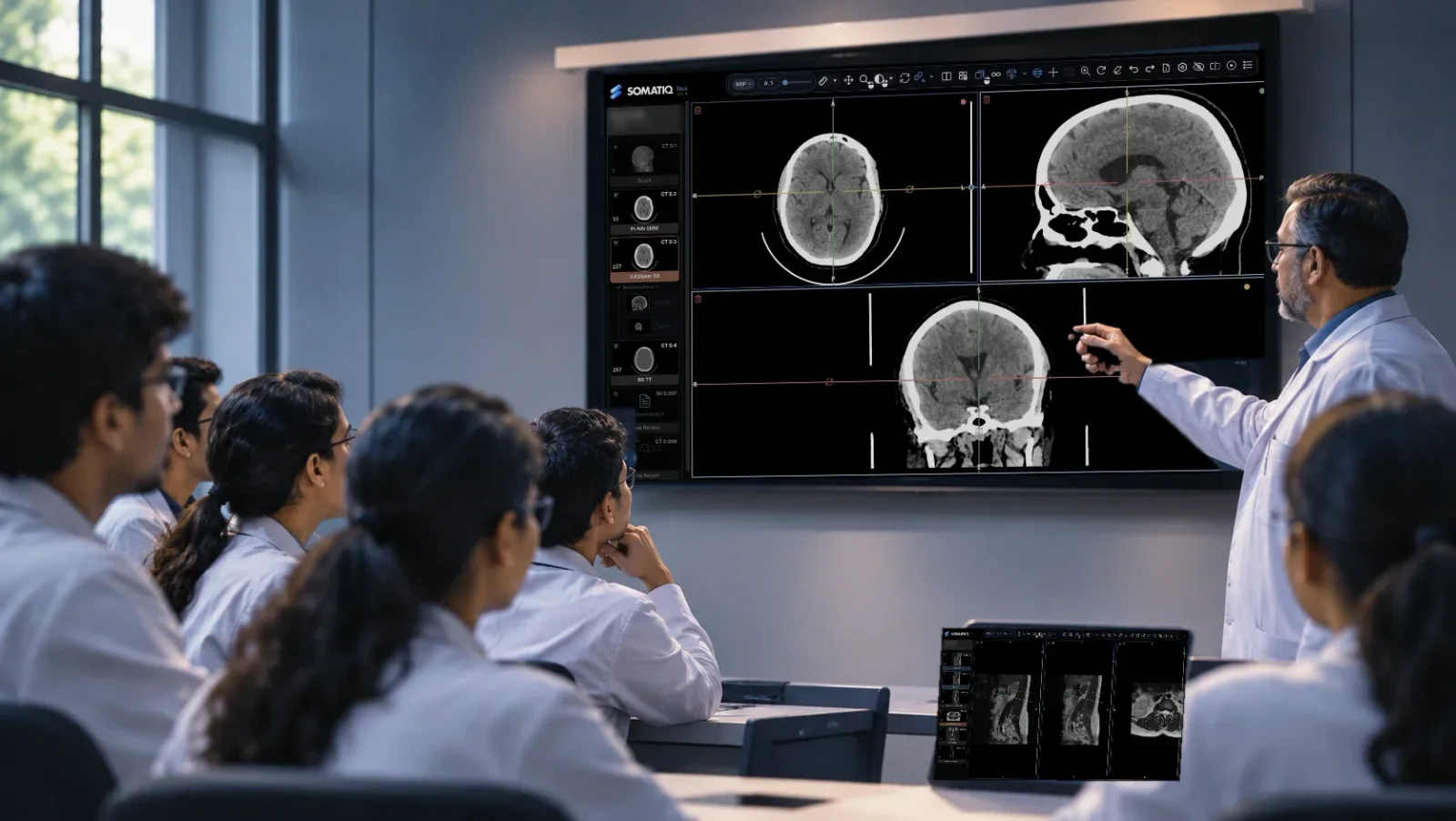
Illustration of a consultant pointing at a chest CT on a wall display in a browser viewer while residents watch.

Think of the last case you wanted to show your residents. Where was it? In most departments it is a screenshot on a phone or a slide on a faculty laptop. SOMATIQ tags cases as they are reported, so the study a resident reads this morning can be co-reported by a consultant, checked by a peer and open in next week's teaching session, with no exports and no spreadsheet.

The problem

  • Good cases disappear. An interesting study is reported, signed and lost in the archive. Months later, someone remembers "that case of ours" and nobody can find it. Teaching files end up as screenshots on personal phones and slides on a faculty laptop.
  • Supervision happens over the shoulder. A resident drafts, the consultant corrects, and the only record of what changed is whatever they remember. When the consultant is in another block or at home, the resident waits or the report goes out late.
  • Peer review lives outside the workflow. Discrepancy review, blind reads and double reading are run on paper or in a shared sheet, so they are done when someone has time, which is rarely.
  • Teaching across sites is hard. Residents at a peripheral hospital or on night duty cannot see the case a consultant is discussing. Screenshots over WhatsApp lose the scrolling, the windowing and the priors.

How a case moves through the day

  1. Arrives

    On the resident's worklist, with priors attached

  2. Drafted

    By the resident, in the browser viewer, by voice or template

  3. Co-reported and signed

    The consultant reviews and edits the same report, live

  4. Tagged and reviewed

    Instructive cases tagged; a sample goes to peer review or a blind read

  5. Taught

    Faculty find cases with Report Finder and walk through them together

How SOMATIQ handles it

Feature What it means for the department
Teaching archive with case tagging Tag a study while reporting it. Faculty build teaching sets from real cases and find them again by tag.
Report Finder Search across archived reports by finding or term, so "all our cases of X" is a query, not a memory exercise. Historical reports can be migrated in, so older cases are searchable too.
Peer review queue Studies go into a review queue inside the same system. Review becomes part of the working day rather than a side project.
Blind and double reading A second radiologist can read a study without seeing the first report, for audit, research or training.
Collaborative viewer A consultant shares the live viewer with residents or peers, wherever they are, and scrolls through the actual study with them.
Live co-reporting A resident drafts the report and the consultant reviews and edits it in the same report, live, before signing.
Built-in speech-to-text and LLM-assisted drafting Residents dictate; draft reports come with impression checks and inconsistency detection that flag problems before the consultant sees them.
Role-based access, audit trails, MFA Residents, consultants and faculty see what their role allows, and every view and edit is logged.

Underneath it is the same unified RIS-PACS a hospital needs for daily service: modality worklist, zero-footprint viewer with 3D/MPR and custom hanging protocols, HL7/FHIR integration with the HIS, and a vendor neutral archive.

Questions buyers ask

Can teaching cases be anonymised before they are shown?

Teaching sets are built from tagged cases inside the system, and access is controlled by role. Ask us to show how de-identification works for cases used outside the department, such as at conferences or in publications.

Does the consultant's edit history stay with the report?

Every change is captured in the audit trail, so the department can see what the resident drafted and what the consultant changed before signing.

Can our old reports be searched?

Yes. Report Finder searches archived reports, and historical reports from your current system can be migrated in. How far back depends on the format your existing system can export.

Will it connect to the hospital HIS?

SOMATIQ integrates with HIS, EMR and LIS over HL7 and FHIR. Orders come in and signed reports go back.

Can residents at another campus join a teaching session?

Yes. The collaborative viewer runs in the browser, so anyone with access can join from a laptop, tablet or phone.

Read more

Ready to see your workflow on one platform?

We will walk you through the whole workflow, from registration to signed report.