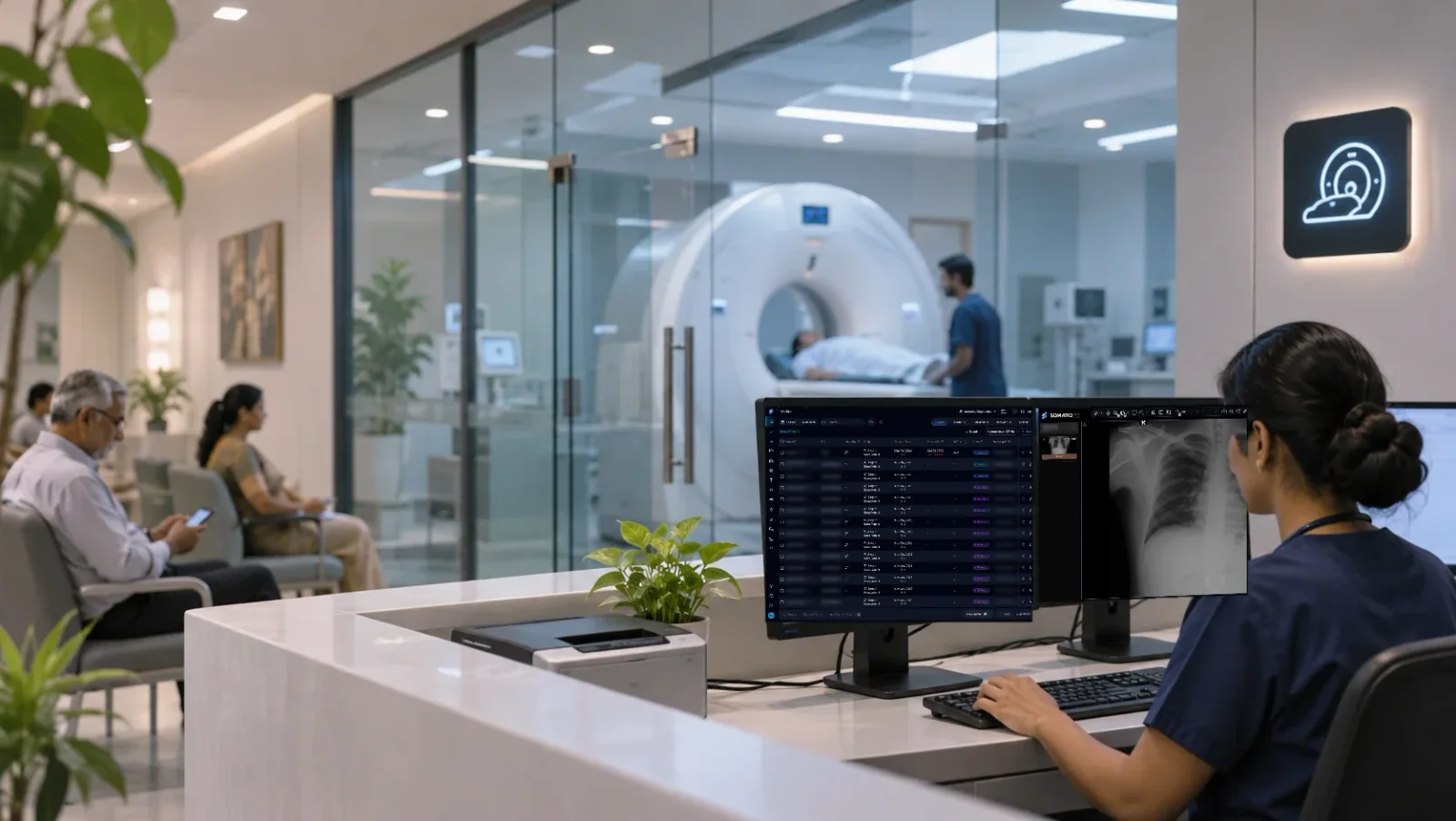
An imaging clinic or diagnostic centre needs what a hospital department needs: registration, billing, images, reports and a way to get them to patients and doctors. It shouldn't also need an IT department. SOMATIQ runs your clinic on one RIS-PACS, in the cloud with a small pusher app that sends studies up from your scanners, or hybrid with a local server for fast reading. Radiologists read in a browser from wherever they are, and patients get their reports on WhatsApp.
The problem
- The server is a liability. A PACS box in the back room needs a UPS, backups, an annual maintenance contract and someone to call when the disk fills up. When it fails, reporting stops until it is fixed, and a clinic has no one on staff whose job that is.
- Too many small systems. Billing in one package, images in another, reports typed in Word. The front desk types the patient's name twice, the technician retypes it at the scanner, and what was scanned is only matched against what was billed at month end, when a missed bill is hard to trace.
- Visiting radiologists can't report from home. A radiologist who reads for two or three centres needs a separate login at each, a VPN or a trip to the clinic. Studies queue until they get there, and the patient's report goes out a day later than it needed to.
- Report delivery eats front-desk time. Patients call to ask if the report is ready, and referring doctors ask for images on a CD or a pen drive. The front desk becomes a courier service, and every CD is a copy of patient data you can no longer track.
How SOMATIQ handles it
- Cloud or hybrid setup. Run cloud-only with a lightweight pusher app: install a small app on a PC at the centre, and it takes studies from your CT, MRI, X-ray or ultrasound and sends them to the cloud archive, with no local server to buy or maintain. If you want fast local reading, go hybrid: a local server for reading, with the cloud as backup and archive.
- Billing to report in one system. Registration, scheduling, billing, acquisition, reporting and report delivery run on one platform with one patient record. Billing and reports stay in step without a month-end reconciliation exercise.
- Modality worklist. The patient registered at the front desk appears on the scanner console, so technicians don't retype names and IDs.
- Smart scheduler with reminders. Slots are booked per scanner, and patients get reminders before they come in.
- Zero-footprint viewer. Radiologists open studies in a browser, with 3D/MPR and custom hanging protocols, on a reporting workstation, a laptop or a tablet. No install, no VPN.
- Built-in speech-to-text and LLM-assisted drafting. Dictate the report; the draft is checked for impression mismatches and inconsistencies before you sign.
- Patient portal, WhatsApp and email. Signed reports go to patients by email and WhatsApp, and to the patient portal. Referring doctors can get a study link on WhatsApp and open the images on their phone.
- Security. AES-256 encryption, audit trails, role-based access and MFA.
Want to start without a sales cycle? Somatiq Origin is the self-serve way in: register in the Origin portal, choose a prepaid monthly case plan, and SOMATIQ support connects your modalities. If your network and hardware are ready, you can be reporting the same day.
Questions buyers ask
What internet connection do we need?
Upload speed matters most, because every study goes up before it can be read. Larger CT and MRI studies need more bandwidth than X-ray or ultrasound. A business line with a stated upload speed and a backup line from a second provider is the sensible setup. We will look at your volumes and line before you start.
What happens if the internet goes down?
Scanning continues on the modality. Studies are sent up once the line is back. This is why we recommend a second line, or a hybrid setup, where a local server keeps reading going on your own network.
Do our existing modalities work with it?
Any modality that sends DICOM can send to the pusher app. Modality worklist needs the scanner to support DICOM worklist, which most current CT, MRI and DR systems do.
Can we bring over our old studies and reports?
Yes. Older studies can be moved into the archive, and Report Finder can migrate legacy reports so they are searchable as priors.
Is our patient data safe in the cloud?
Data is encrypted with AES-256, access is role-based with MFA, and every view is logged in the audit trail. For your obligations under the DPDP Act, read our guide and talk to your counsel.
Read more
Ready to see your workflow on one platform?
We will walk you through the whole workflow, from registration to signed report.