Stop burning AI into the image
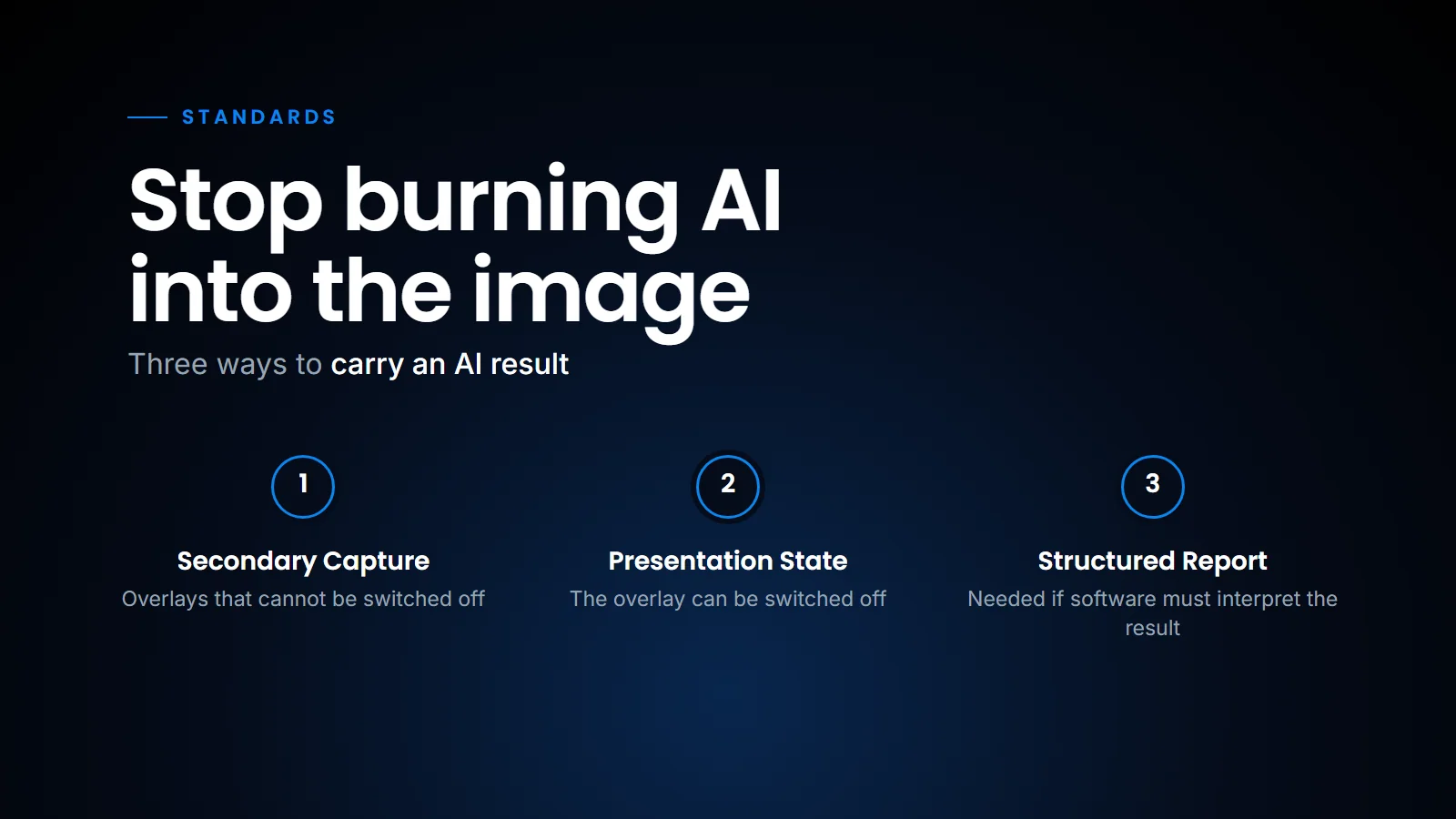
Ask a radiologist what they dislike about AI overlays and you will hear the same answer: "I can't turn it off." The box sits on the anatomy they need to see. To look underneath, they open the original series in another viewport, and now they are comparing two copies of the same slice.
That happens because most algorithms deliver results as a DICOM Secondary Capture: a new image with the annotation painted into the pixels. The advantage is that every PACS can show it. The disadvantages are just as plain. Herman Oosterwijk, in his deep dive into DICOM PR for AI results, writes that storing AI results as a Presentation State is preferred over burning them into the pixel data:
On burning AI results into the pixel data
"…as the latter requires creating yet another image, wasting space, and potentially messing up the display protocol."
So, let's look at what a Presentation State is, where it stops being enough, and how our viewer handles it.
What a Presentation State is
A Grayscale Softcopy Presentation State (GSPS, modality PR) is a small DICOM object that points at the original images. It stores instructions instead of pixels: draw this circle here, add this text label, use this window and level. Think of it as a sheet of tracing paper laid over the film, with a note saying which film it belongs to. The viewer applies those instructions on top of the untouched source image.
Presentation States are not new; they have been in DICOM since 1999, long before AI was a topic, and as Herman notes, pretty much every PACS now supports archiving and viewing them. A PR is also stored in a series separate from the images (several PRs can share one such series), and several can apply to the same images, so two algorithms (or an algorithm and a radiologist) can each have their own layer.
| Secondary Capture | Presentation State | |
|---|---|---|
| What is stored | A new image with the annotation in the pixels | Drawing instructions that reference the original |
| Switch off the overlay | No | Yes |
| Storage | A full extra image per annotated slice | A few kilobytes |
| Windowing and zoom | Fixed to what the algorithm saved | Live, on the original pixels |
| Machine-readable finding | No | Partly: graphics and text, not coded findings |
Where Presentation States stop
A GSPS knows where to draw, not what it found. "Pneumothorax, present, right apex" is still just a text label. A reporting system cannot pick it up as a coded finding. Herman is explicit on this point: PR information is intended to be interpreted by a human observer, and if the result is to be interpreted by software, such as a reporting system, a Structured Report is required. That is the subject of a later post in this series on DICOM SR.
The practical consequence is that PR is the right first step, not the last one. It fixes the radiologist's complaint (the overlay can be switched off) and the archive's complaint (no duplicate pixels), but it does not yet remove any typing from the report.
How the SOMATIQ viewer handles it
We treat AI graphics as a layer, not as an image. The radiologist reads the original series. AI annotations sit on top and switch on and off from the viewport. Window, level and zoom act on the real pixels underneath. This is one small, concrete example of what we mean by an AI-native RIS-PACS: the AI output is handled by the viewer as data from the start, rather than arriving as one more image to scroll.
The AI result stays a layer on the original series, so the overlay can be switched off.
This also keeps our archive lean. Across our centres, burned-in copies of every annotated slice would add up quickly, and storage is one of the costs centres feel most (we explain how the RIS and PACS divide the work, including the archive, in RIS, PACS or RIS-PACS). The broader lesson from IRIA last month, as we wrote in What radiologists told us at IRIA 2026, was that radiologists notice clicks; an overlay that has to be worked around is exactly that kind of click.
So where does that leave a centre evaluating an AI product? The practical upshot is to ask the vendor one question before anything else: does the result arrive as a Secondary Capture, a Presentation State or a Structured Report? If the answer is Secondary Capture only, expect overlays that cannot be switched off and an archive that grows with every study.
FAQ
What is DICOM GSPS?
Grayscale Softcopy Presentation State: a DICOM object that stores annotations, text and display settings separately from the image it applies to.
Why do AI vendors still use Secondary Capture?
Every PACS can display it, so it is the safest way to be seen. The cost lands on the radiologist and the archive.
Can a Presentation State carry a measurement?
It can draw and label one. To store the value as coded data a report can use, use a DICOM SR.
Can several Presentation States apply to one study?
Yes. They are stored in a series separate from the images, and more than one can apply to the same images, so different algorithms or readers can each keep their own layer.
Ready to see your workflow on one platform?
We will walk you through the whole workflow, from registration to signed report.