DICOM, explained for centre owners
By SOMATIQ team ·
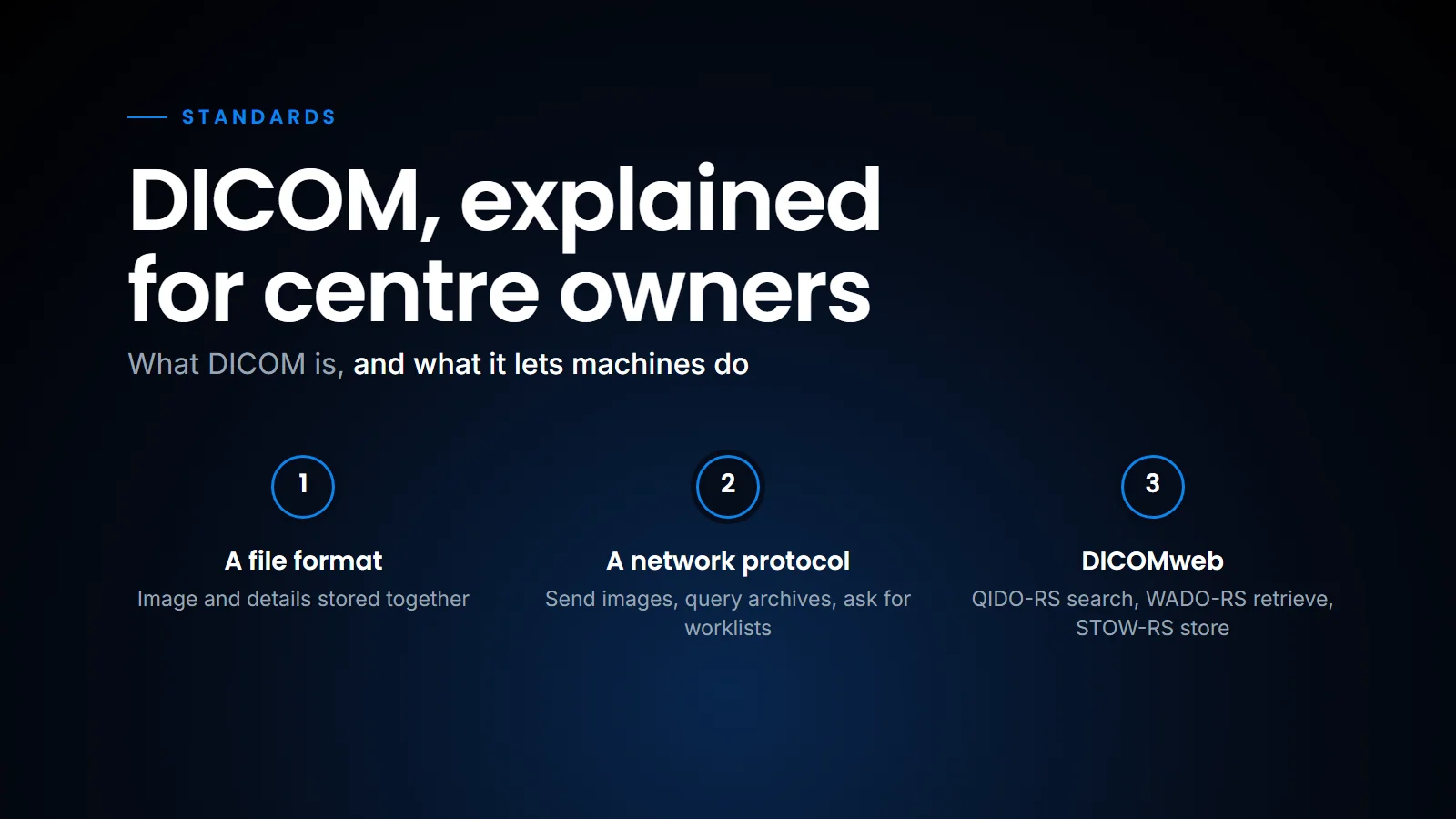
If you run a diagnostic centre, you have heard "DICOM" in every vendor meeting. The CT engineer says the scanner is DICOM. The PACS vendor says the PACS is DICOM. And yet, on the day of installation, the X-ray won't send, the worklist shows nothing, and someone suggests exporting JPEGs "for now". The usual response is to treat DICOM as a box that is either ticked or not, and to leave the details to the engineers. That works until something breaks, and then nobody in the room can tell whether the problem is the scanner, the network or the PACS.
This guide is for the owner or administrator who doesn't need to become a PACS engineer but does need to know enough to ask the right questions and not get stuck. So, let's go over what DICOM is, what travels inside a DICOM file, how machines talk to each other, and the problems we see most often in Indian centres.
What DICOM is, and what is inside a file
DICOM, Digital Imaging and Communications in Medicine, is the international standard for medical images and the information that travels with them. It is maintained by a committee under NEMA, and the full standard is free to read at dicomstandard.org. It covers two things that people often mix up:
- A file format. How an image and its details are stored together.
- A network protocol. How machines find each other, send images, ask for worklists and query archives.
Most of the trouble in a centre is in the second part, but the first part explains why DICOM matters at all.
Think of a DICOM file as an envelope with a letter inside. The envelope is the header. It holds hundreds of labelled fields, each with a numeric tag. A few that matter to you:
- Patient name and patient ID
- Date of birth and sex
- Accession number (the identifier assigned to the imaging order for this exam)
- Modality (CT, MR, CR, DX, US, MG)
- Study date, body part, referring physician
- Study Instance UID, a long unique number that identifies the study worldwide
The letter is the pixel data: the actual image, or for CT and MRI usually one file per slice (newer "enhanced" CT and MR objects can hold many slices in one file). A routine CT abdomen can easily be several hundred files; a thin-slice CT angiogram can run into thousands.
The header is why DICOM matters. A JPEG is just a picture. A DICOM image knows whose it is, which exam it belongs to, the slice position, pixel spacing (so measurements are correct), and the window settings. Strip the header and you lose all of that. The same file format also carries things that are not images at all, such as measurements, annotations and structured reports; Herman Oosterwijk's article on DICOM SR for AI results is a good introduction to that side of the standard, and our post on DICOM presentation states explains why AI markings should travel as separate objects rather than being burned into the image.
The modality worklist
This is the single most useful DICOM feature a centre can switch on, and many don't.
Without a worklist, the technician types the patient's name, age and ID on the scanner console. Typing errors creep in: "Lakshmi" becomes "Laxmi", the ID is from yesterday's patient, the age is in months instead of years.
With a Modality Worklist (MWL), the scanner asks the RIS, "What patients are scheduled for me?" and the RIS answers with a list. The technician picks the patient, and the name, ID, accession number and exam come across exactly as registered. The images then carry the same details into PACS, and the report matches the bill. (Our post on RIS, PACS or RIS-PACS explains which system does what in that chain.)
A related service, MPPS (Modality Performed Procedure Step), lets the scanner tell the RIS "I've started" and "I've finished", which is useful for tracking but less commonly configured in Indian centres.
One registration at the front desk becomes the details on every image and on the report.
The network side: C-STORE, C-FIND and friends
DICOM network commands have slightly odd names. You only need four:
| Command | What it does | Where you see it |
|---|---|---|
| C-ECHO | "Are you there?" A DICOM ping. | First test during any installation |
| C-STORE | Send images from one system to another | Scanner sending to PACS; PACS sending to a workstation |
| C-FIND | Search: for studies in an archive, or for patients on the worklist | Worklist on the modality; searching PACS from a workstation |
| C-MOVE / C-GET | Ask an archive to send studies | Pulling priors to a reporting workstation |
The four DICOM conversations a centre depends on, from worklist query to viewing priors.
When an engineer says "the echo is working but store fails", you now know what they mean: the basic connection test works, but the image transfer itself is failing, and the logs on both sides will say why.
For any of these conversations to happen, each machine needs an address. Every DICOM device has three addressing details:
- AE title (Application Entity title): a short name, up to 16 characters, like
CT_BRANCH1orPACS_MAIN. It is case-sensitive in practice, and spaces inside the name matter (leading and trailing spaces are ignored). - IP address of the machine.
- Port: the network door it listens on. Port 104 is the traditional DICOM port and 11112 is the commonly used registered alternative, but any port can be configured.
For a scanner to send to PACS, the scanner must have the PACS's AE title, IP and port entered correctly, and in most setups the PACS must also have the scanner's AE title on its list of allowed senders. Get one character wrong on either side and the send fails. When a modality "can't send", the cause is almost always one of these:
- AE title typed wrongly, or in different case, on one side.
- Scanner not registered as a known device on the PACS.
- IP address changed after a network change or router replacement.
- A firewall on the centre network, or on the PACS server, blocking the port.
- For cloud PACS, the local gateway or router not forwarding traffic.
Keep a simple sheet with every device's AE title, IP and port. It will save hours the next time something changes.
Classic DICOM networking was designed for machines on the same hospital network, and it does not travel well over the internet. DICOMweb is the newer part of the standard that does the same jobs over ordinary web (HTTPS) requests. The DICOM standard defines three main services: QIDO-RS to search, WADO-RS to retrieve, and STOW-RS to store.
Why this matters to you: browser-based viewers, cloud PACS, mobile viewing and AI services all lean on DICOMweb (it is one reason we could build an AI-native RIS + PACS around a browser viewer). When comparing systems, ask whether they support it.
Why "it's DICOM" doesn't guarantee compatibility
DICOM is very large, and no product implements all of it. A scanner may support sending CT images but not structured reports. A PACS may store mammography but not display tomosynthesis properly. A viewer may read standard images but not the vendor's private fields that hold, say, a perfusion map.
The document that tells you exactly what a product supports is its DICOM Conformance Statement. The standard specifies how these must be written, and serious vendors publish them. Before buying a new modality or PACS, ask for both conformance statements and have someone check that the scanner's outputs (image types, structured reports for dose or ultrasound measurements) match what the PACS accepts, and that the scanner and the RIS agree on worklist and MPPS. "It's DICOM" is a start; "here is our conformance statement" is an answer.
Problems we see often in Indian centres
A handful of problems account for most of the DICOM trouble at the centres we work with.
CR/DR systems exporting JPEGs. Some older or low-cost X-ray systems, or their consoles as configured, send JPEG or BMP files instead of DICOM, or create DICOM by wrapping a screenshot. You lose the original diagnostic pixel data: pixel spacing (measurements go wrong) and window and level, and with plain JPEG or BMP files the patient details in the header as well. Check the system can send true DICOM, and that the DICOM option has been licensed and enabled.
Wrong or missing patient IDs. Without a worklist, IDs get typed by hand. The result is the same patient under three IDs, or two patients under one. This breaks priors and, worse, can put the wrong images against a report. The fix is the worklist, plus a merge process in PACS for the errors that still happen.
Duplicate studies. A technician re-sends a study because it "didn't seem to go", or a scanner retries after a network blip. Some PACS create a second copy; others merge by Study Instance UID. Ask your PACS how it handles re-sends, and keep an eye on duplicate counts.
Ultrasound saved as video or screenshots only. Fine for viewing, and the measurements stay visible on the saved frames, but they are not available as structured data unless the machine sends structured reports.
Date and name format mismatches. Initials, missing surnames, and dates entered in different formats. Again, the worklist solves most of it.
Notice how many of these come back to the worklist and to one consistent patient record. That is why, on SOMATIQ, the RIS that handles registration, scheduling and billing is the same system that publishes the modality worklist and stores the images, so the details typed once at the front desk are the details on every image and on the report. The practical upshot for an owner is that DICOM problems are rarely mysterious: switch on the worklist, keep a sheet of AE titles, IPs and ports, ask for conformance statements before you buy, and most of the installation-day drama goes away.
Related reading
- RIS, PACS or RIS-PACS — what each system does and how the accession number ties them together.
FAQ
What is DICOM in simple terms?
DICOM is the global standard for medical images. It defines how an image and its patient and exam details are stored in one file, and how scanners, PACS and workstations send, search and retrieve those images over a network.
What is the difference between a DICOM image and a JPEG?
A JPEG is only a picture. A DICOM image also carries the patient details, exam, slice position, pixel spacing and display settings in its header, which radiologists need for correct measurements, comparisons and reporting.
Why is my X-ray or CT not sending to PACS?
Usually the AE title, IP address or port is wrong on one side, the device isn't registered on the PACS, or a firewall is blocking the port. Run a C-ECHO test from the modality to check basic connectivity first.
What is a DICOM conformance statement?
It is a document from the vendor that lists exactly which DICOM services and image types a product supports. Comparing the conformance statements of a modality and a PACS tells you whether they should work together; testing the actual workflow on site confirms it.
Ready to see your workflow on one platform?
We will walk you through the whole workflow, from registration to signed report.