Running a diagnostic chain on one system
By SOMATIQ team ·
Most diagnostic chains in India did not plan to become chains. They grew. One centre did well, a second opened across the city, then a third in a tier-2 town, then a fourth that came with an acquisition and its own PACS. Ten years later, the owner is running five centres on three systems, and the radiologists are logging into each one separately. Each system works on its own; the trouble is in the gaps between them, where priors, patients and turnaround figures get lost.
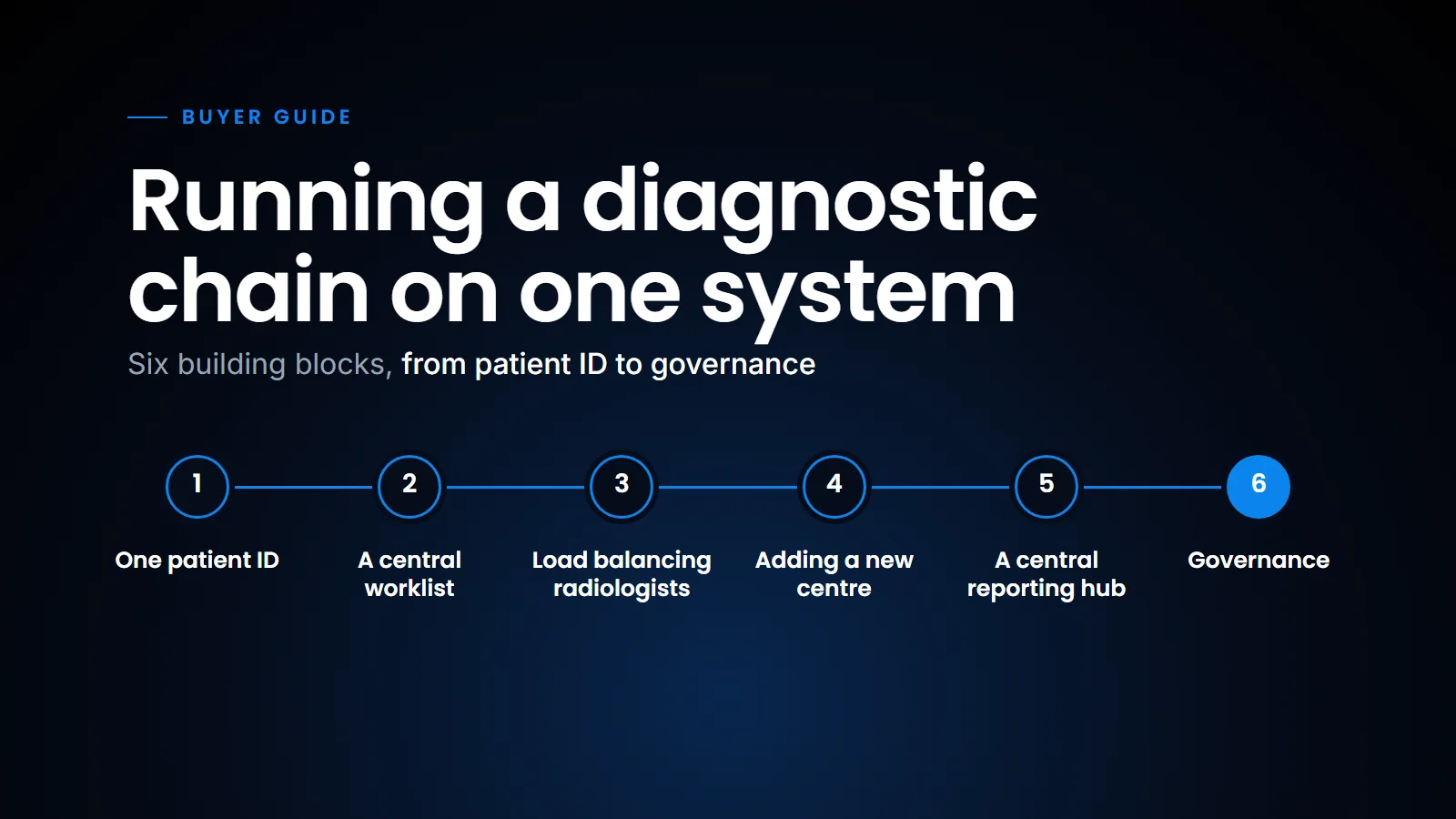
This post is about what it looks like when a chain runs on one radiology system instead, across the whole cycle: registration, scheduling, billing, acquisition, reporting and report delivery. It is written for the owner or operations head who is wondering whether consolidation is worth the trouble. Let's go over the symptoms first, then the building blocks (patient identity, the worklist, load balancing, new centres, the reporting hub) and finally the governance that has to come with them.
The symptoms of running many systems
If any of these sound familiar, you are paying the cost already.
- A radiologist covering two centres keeps two browser tabs, two worklists and two passwords, and still misses a case that was sitting in the other one.
- A patient scanned last year at your Jayanagar branch comes to Whitefield today and the radiologist has no prior, because the two branches do not talk.
- Reports are formatted differently at each centre, so a referring doctor who sends patients to three of your branches gets three styles.
- The operations head cannot answer a simple question like "what was our CT turnaround across the chain last week?" without collecting spreadsheets.
- Billing and registration run in one package and the images in another, so reconciling what was scanned with what was billed is a monthly exercise.
- Opening a new centre means a new installation project, with its own server, its own vendor visits and months of delay.
None of these is dramatic on its own. Together they decide how fast you can grow.
One patient, one ID
Start here, because everything else depends on it. If the same patient has three MRNs across three centres, no amount of clever software will find their priors reliably.
On one system, there is one patient master index (think of it as the chain's single register of patients). Registration at any centre searches the whole chain before creating a new record. Duplicates still happen, because front desks are busy and names are spelt five ways, so the system should flag likely matches (same mobile number, same date of birth, similar name) for someone to review and merge. (For the basics of how RIS and PACS divide this work, see RIS, PACS or RIS-PACS.)
Where centres must keep separate systems for a while, the standard approach is cross-referencing identifiers between domains. IHE describes this in its Patient Identifier Cross-referencing (PIX) profile. It works, but it is a bridge. One index is simpler. The same applies where a hospital HIS sits alongside the chain; the identifiers it sends in HL7 messages need to land on the same patient (see Connecting radiology to the HIS).
A central worklist
Once every study from every centre lands in one place, the worklist stops being per site. A radiologist logs in once and sees what they are supposed to read, whichever centre it came from.
Every centre feeds one patient index, archive and worklist; radiologists read from anywhere.
A good central worklist lets you filter and route by the following.
Centre, for radiologists who should only read for certain sites.
Modality and subspecialty, so neuro MRI goes to the neuroradiologist and MSK goes to the MSK reader.
Priority, with emergency and inpatient cases at the top regardless of centre.
Waiting time, so a CT that has sat for an hour at a quiet branch does not get forgotten.
The radiologist does not need to know or care which branch the scanner sits in. They need to know what to read next, and ideally to move through the list without touching the mouse (we describe how our radiologists do that in Talking to the worklist).
Load balancing radiologists across centres
This is where a chain starts to see real returns. Volume at individual centres is lumpy. One branch is flooded on Monday morning, another is quiet. Without a shared system, the flooded branch waits for its own radiologist while the quiet branch's radiologist reads the newspaper.
With one worklist, cases flow to whoever is free and qualified. A few practical rules help:
Assign, do not just pool. An open pool where everyone picks cases tends to leave the hard ones until last. Assign by rules, and let senior radiologists reassign.
Respect subspecialty. Load balancing should never mean a general radiologist reading a complex prostate MRI because they happened to be free.
Keep a local radiologist where needed. Procedures, contrast reactions and walk-in consults still need someone on site.
Watch the night shift. Overnight, one or two radiologists can cover the whole chain from one worklist. That is often the single biggest saving.
Adding a new centre
On separate systems, a new centre is a project. On one system, it should be closer to a configuration task: register the modalities, map their AE titles, set up the users, and turn on routing. Deployment can also follow the size of the centre. A medium or large centre can keep an on-site PACS with cloud access, while a small centre can run cloud-only with a lightweight pusher app that sends images up from the modalities. (The trade-offs between the two are in Cloud PACS or on-premise.)
We have seen this with a Bengaluru diagnostic chain we work with. All of their centres went live on one system in about the time usually needed for one. New centres are now added without the usual implementation overhead. Their radiologists use one login across centres, and priors are available across the network, so a patient moving between branches brings their history with them.
The work that remains is local and unavoidable: network links from each scanner, DICOM configuration on the modality, and training for the front desk. That is days of work, not months.
A central reporting hub
Many chains end up with a hub: a reading room, usually at the main centre, where most radiologists sit, with a few radiologists at the branches. Others go further and let radiologists read from home, which is effectively running your own teleradiology service inside the chain.
Either way, the system needs to make the reading location irrelevant. Images must load quickly whether the radiologist is in the hub, at a branch or at home. A browser-based viewer that renders on the client helps a lot here, because there is no workstation to install and maintain at each reading location. That is how our own viewer works.
The hub also makes consistency practical. One set of report templates, one style for impressions, one way of communicating critical findings. Referring doctors notice when a chain's reports look and read the same at every branch. (Where templates help and where they get in the way is the subject of Structured reporting.)
Governance
Consolidation moves risk as well as work. A few things need to be decided centrally and written down.
Who can see what. Role-based access by centre, role and function. A front desk user at one branch probably does not need to search reports from another.
Who signs what. Credentials and privileges for each radiologist, by modality and subspecialty, and what happens to preliminary reports.
Critical results. One protocol for the whole chain: who calls, within what time, and how the call is documented.
Audit. Every access to patient data logged. India's Digital Personal Data Protection Act, 2023 and its Rules make this a board-level concern, not just an IT one. Talk to your counsel about what it means for a multi-centre operation.
Downtime. What each centre does when the network drops. Local caching and a written downtime procedure, practised at least once.
Data ownership. If centres are franchises or partly owned, agree in writing who owns the data and what happens if a centre leaves.
The software should make these rules enforceable rather than aspirational. On our platform that means role-based access, multi-factor authentication, audit trails and AES-256 encryption, configured once for the chain rather than separately at each site.
What this means for a chain owner
If you are deciding whether to consolidate, measure three things first. How many logins does a typical radiologist use in a day? How often is a prior missing when the patient was scanned at another branch? How long did your last new centre take to go live on the radiology side?
If the answers are "several", "often" and "months", one system is probably worth the effort. The migration of old studies is the slowest part, so plan it early and do not let it hold up going live with new studies. In conclusion, the case for one system is less about any single feature and more about removing the gaps between systems: one patient, one worklist and one set of rules, so that adding the next centre is a configuration task rather than a project.
Related reading
- Hanging protocols, explained — standardising series naming across scanners and branches.
FAQ
Can one PACS serve multiple imaging centres?
Yes. A cloud or centrally hosted RIS-PACS can receive studies from every centre's modalities, keep one patient index and give radiologists a single worklist across all sites.
How do radiologists read for several centres at once?
Through a central worklist that shows studies from all centres, filtered by subspecialty, priority and waiting time, with a viewer that works from any location.
What is the hardest part of consolidating a chain onto one system?
Usually patient identity and historical data. Duplicate records across centres need merging, and old studies from previous PACS installations need migrating so priors are available.
How long does it take to add a new centre?
On a shared system, the main work is connecting the modalities, configuring users and training staff. It should take days, not the months that a separate installation often takes.
Ready to see your workflow on one platform?
We will walk you through the whole workflow, from registration to signed report.