PACS data migration in days, not months
By SOMATIQ team ·
Ask an imaging centre why it is still on a PACS it dislikes, and the answer is rarely the price of the new one. It is the archive. Years of studies and reports sit in the old system, radiologists need every prior to report today's scan, and the centre has heard that moving it all takes months, with a reporting freeze somewhere in the middle.
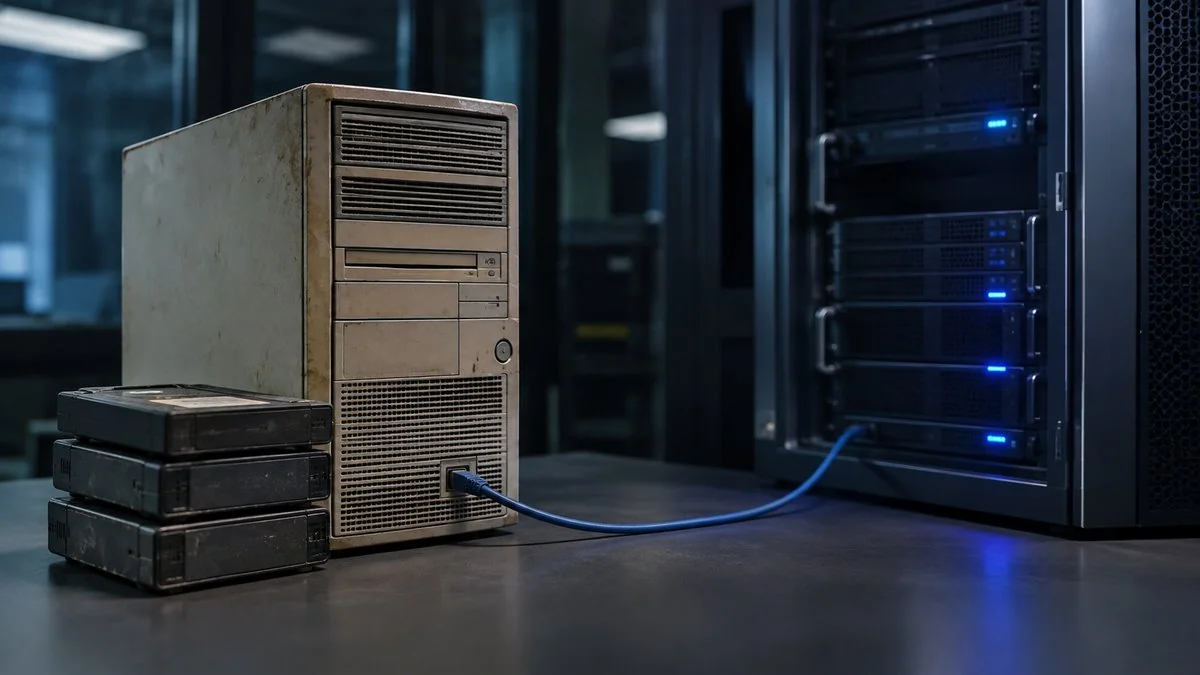
It does not have to. For a typical imaging centre, SOMATIQ migrates the full archive, every study and every report, in days rather than weeks or months, while the radiologists keep reporting on the old system until the switch. We have moved centres off other Indian and global PACS and VNAs this way.
This guide explains why migrations usually drag, what we do differently, and what to ask any vendor before you sign.
Why PACS migrations usually take months
Most of the delay has little to do with the volume of data. It comes from how the move is run:
- The old system exports slowly. Many legacy PACS were built to receive images, not to send years of them back out. Pulling studies one query at a time is often the slowest step.
- Nobody owns the patient IDs. Older archives have the same patient under three spellings and two IDs. If the clean-up is left until after the move, the migration stalls while it is untangled.
- Reports are treated as an afterthought. Images move over DICOM, but the reports sit in a RIS database or a folder of Word files. If they are planned late, the radiologist sees last year's study without last year's report.
- The cutover is one big day. Everything is moved before go-live, so go-live waits for the slowest part of the archive.
How SOMATIQ migrates in days
- A test export on day one. Before we commit to a date, we pull a sample of studies and reports from your old system. That tells us its real export speed and where the data is messy, instead of finding out halfway through.
- Studies go straight into a vendor neutral archive. Images are copied in standard DICOM into SOMATIQ's vendor neutral archive (VNA). Nothing is converted into a proprietary format, so the archive stays yours and stays portable.
- Patient IDs are matched as the data moves. Records are matched and cleaned during the transfer, not in a separate project afterwards.
- Priors for current patients move first. Recent and frequently used studies go first, so the radiologist has the priors they need from the first day on SOMATIQ, while older history completes behind them.
- Reports move with the images. Report Finder migrates historical reports, whether from a RIS database or exported documents, and makes them searchable next to the matching studies.
- Both systems run in parallel until the counts match. Radiologists keep reporting throughout. On the cutover day, every modality sends to SOMATIQ and the old system becomes read-only.
We quote a migration date after the test export, not before, because the old system's export speed is the one thing we cannot see from a sales call. For a typical centre that date is days away. Very large multi-site archives, or an old system that can only export slowly, take longer, and we will tell you that up front.
What still decides the timeline
Even a fast migration depends on a few things on your side. It helps to know them before the first call:
- how many terabytes and how many years of studies you have;
- how fast the old system can export, and whether its vendor will help;
- your upload speed, if the archive is moving to the cloud;
- how many modalities, centres and users need to be connected;
- whether reports are in a database or in loose documents.
Questions to ask any vendor about migration
- "Will you do a test export before quoting a date?" A firm date without one is a guess.
- "Do you migrate reports as well as images?" Ask to see a migrated report next to its study.
- "Which studies move first?" The answer should be the priors for patients you are scanning now.
- "What format does the archive end up in?" It should be standard DICOM in a vendor neutral archive, so your next move is as easy as this one.
- "Does reporting stop at any point?" It should not.
- "What happens to the old server?" It should stay read-only until the study and report counts are verified, and be retired on a date you choose.
Related reading
FAQ
How long does PACS data migration take?
With SOMATIQ, a typical imaging centre's full archive of studies and reports moves in days, not weeks or months. We confirm the date after a test export from your old system, because its export speed is the main variable.
Do we have to stop reporting during the migration?
No. Radiologists keep reporting on the old system while the archive moves, and both systems run in parallel until the cutover day.
Can you migrate from another vendor's PACS or VNA?
Yes. Most PACS and VNAs can send studies over standard DICOM, and reports can come from a RIS database or exported documents. We have migrated centres from other Indian and global PACS and VNAs.
Are historical reports migrated as well as images?
Yes. Report Finder brings legacy reports across and makes them searchable alongside the studies they belong to.
What if our old vendor won't cooperate?
Most systems can still send studies over standard DICOM without the vendor's help. Reports may need a database or document export. The test export on day one shows this early.
Ready to see your workflow on one platform?
We will walk you through the whole workflow, from registration to signed report.